

Create your account
You can browse without an account. You need one to bid, buy, add to cart or save items.1
Open the sign-up page
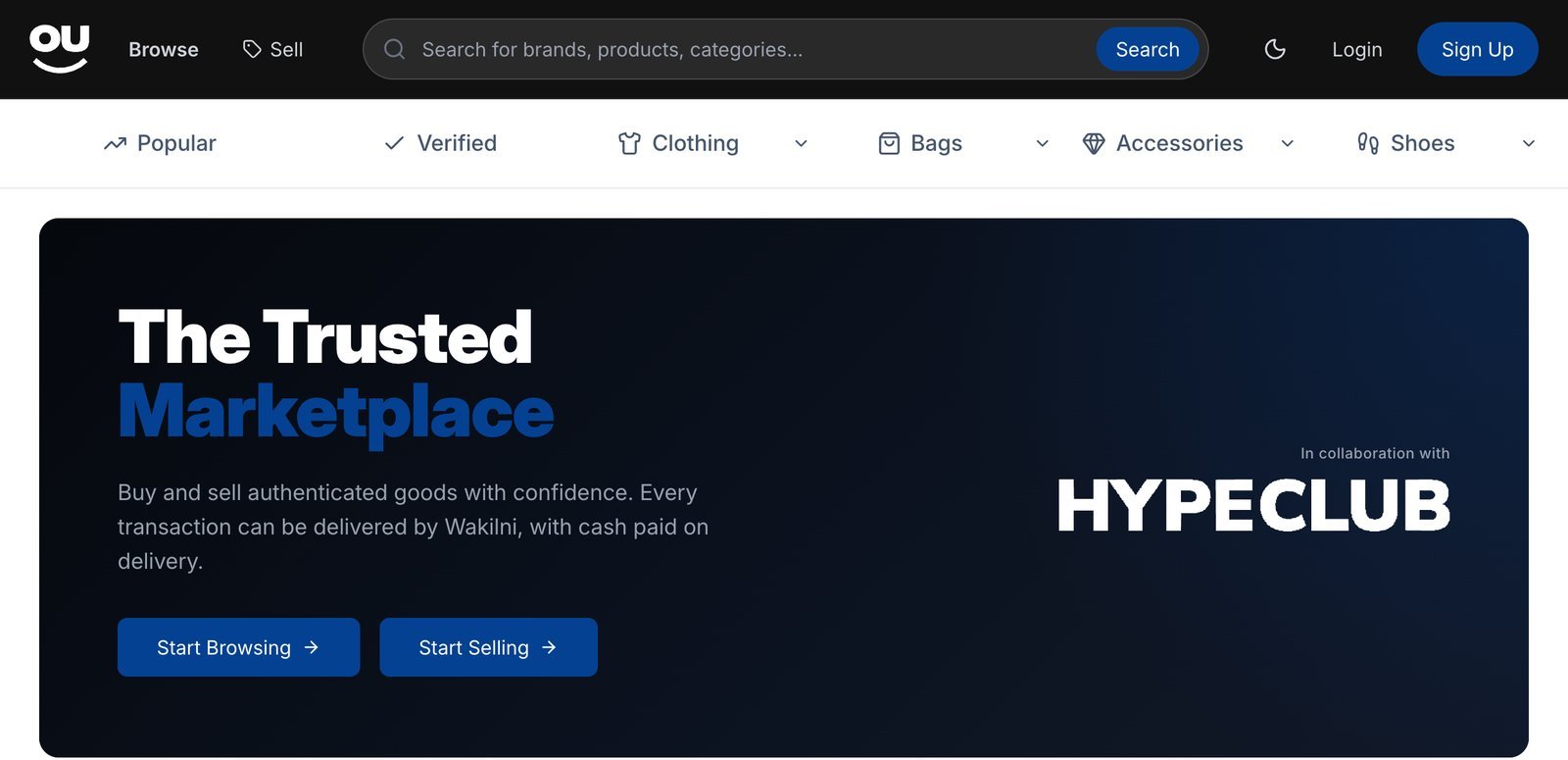
Click Sign Up (or Login) in the top-right corner. Souqna opens a secure sign-in page.
2
Sign in
Follow the steps on the sign-in page to create your account.
3
Choose a username
The first time you sign in, you see Complete Your Profile. Pick a username of 3 to 20 characters (letters, numbers and underscores), then click Continue.
Search and filter
Use the search bar at the top of any page, or click Browse. The ribbon under the header gives quick shortcuts: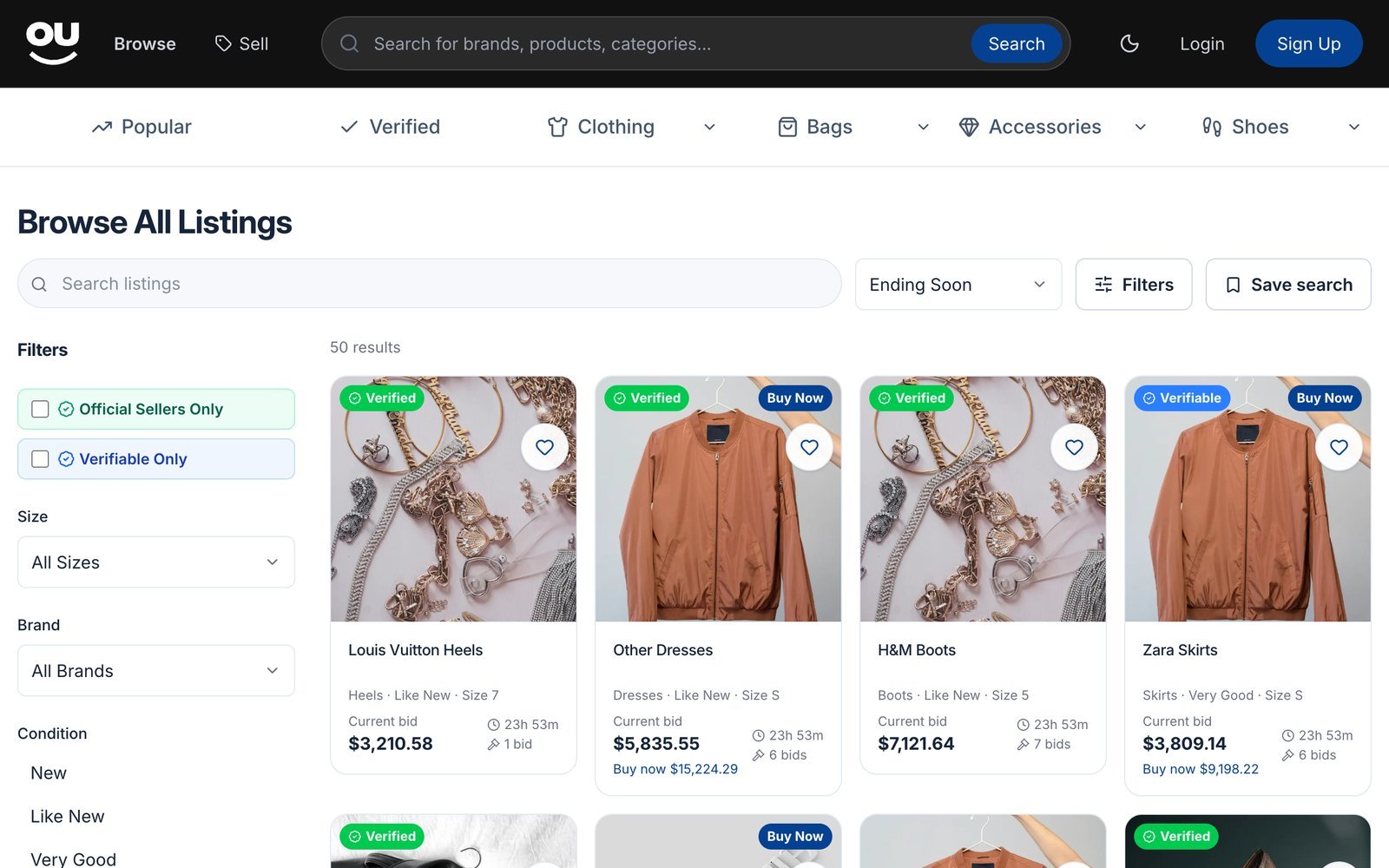
- Filter by size, brand, condition, price range, gender and category. Tick Official Sellers Only or Verifiable Only to narrow results.
- Sort by Ending Soon (default), Newly Listed, Price: Low to High, Price: High to Low or Most Popular.
- Click Clear filters to start over.
Read a listing
Each listing shows the photos, condition, brand, size, who is selling, and the current price.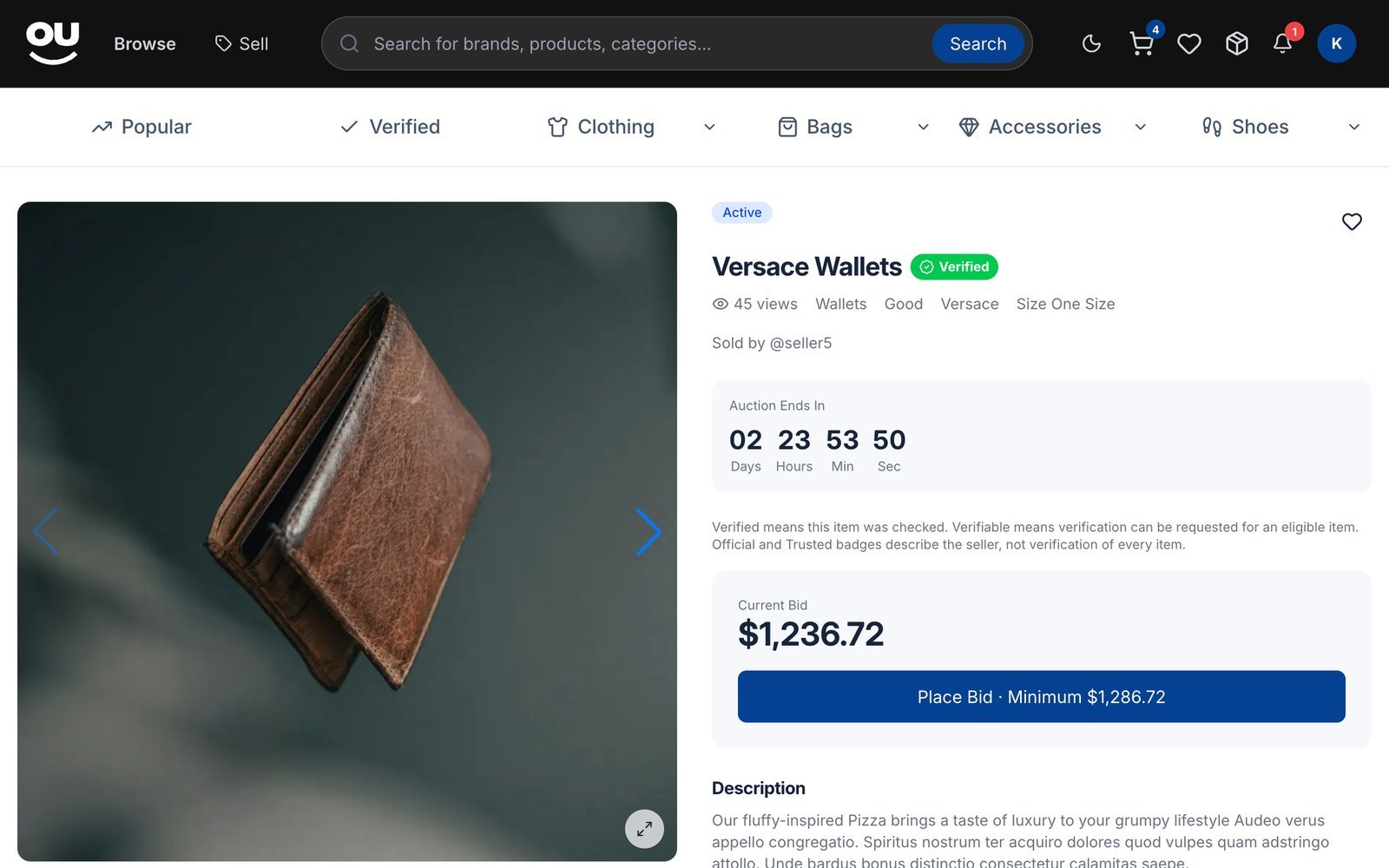
Scroll down for the description, details (starting price, reserve price if set, anti-sniping), the bid history and public Questions & answers, where you can ask the seller something.
Save items and get alerts
Watchlist
Watchlist
Click the heart on any listing to save it. Find saved items under Portfolio → Watchlist.
Saved searches
Saved searches
On the browse page, set your filters and click Save search. You get notified about new matches, either as a daily summary or immediately. Manage, pause or resume these from your watchlist.
Price alerts
Price alerts
On a listing with a Buy Now price, enter a price under Notify me when buy-now price is at or below and click Save price alert.
Seller is away
Seller is away
If a listing says Seller paused selling, click Notify me when available to hear when the seller is back.
Next steps
Buy now or bid
Learn how Buy Now, auctions and auto-bid work.
Buyer FAQ
Quick answers to common questions.