
Buy now
1
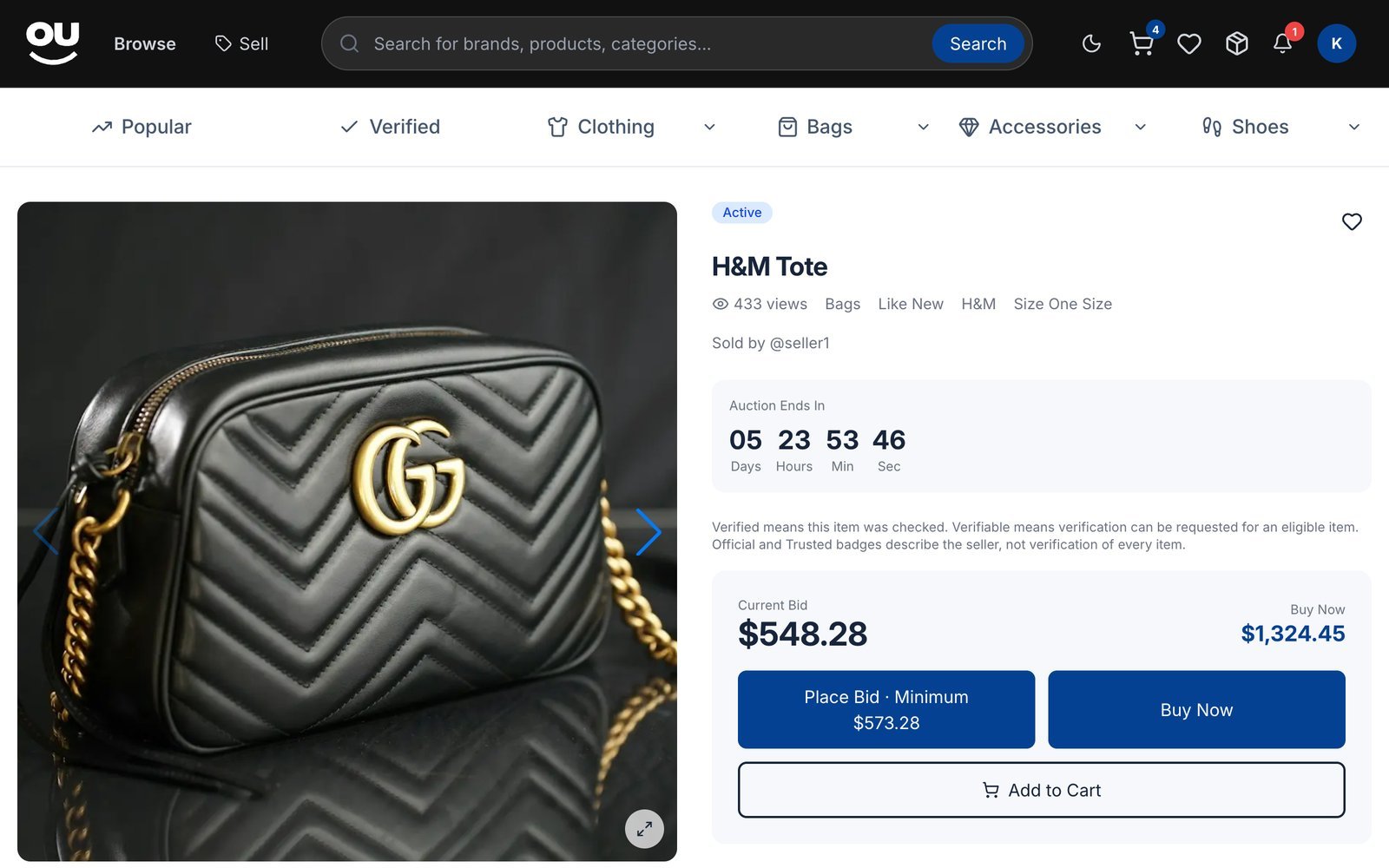
Click Buy Now
On the listing, click Buy Now.
2
Confirm
Review the price and click Confirm Purchase. The item is reserved for you right away.
3
Check out
You go straight to checkout to add your address and choose how to pay. See Checkout and payment.
Bid in an auction
1
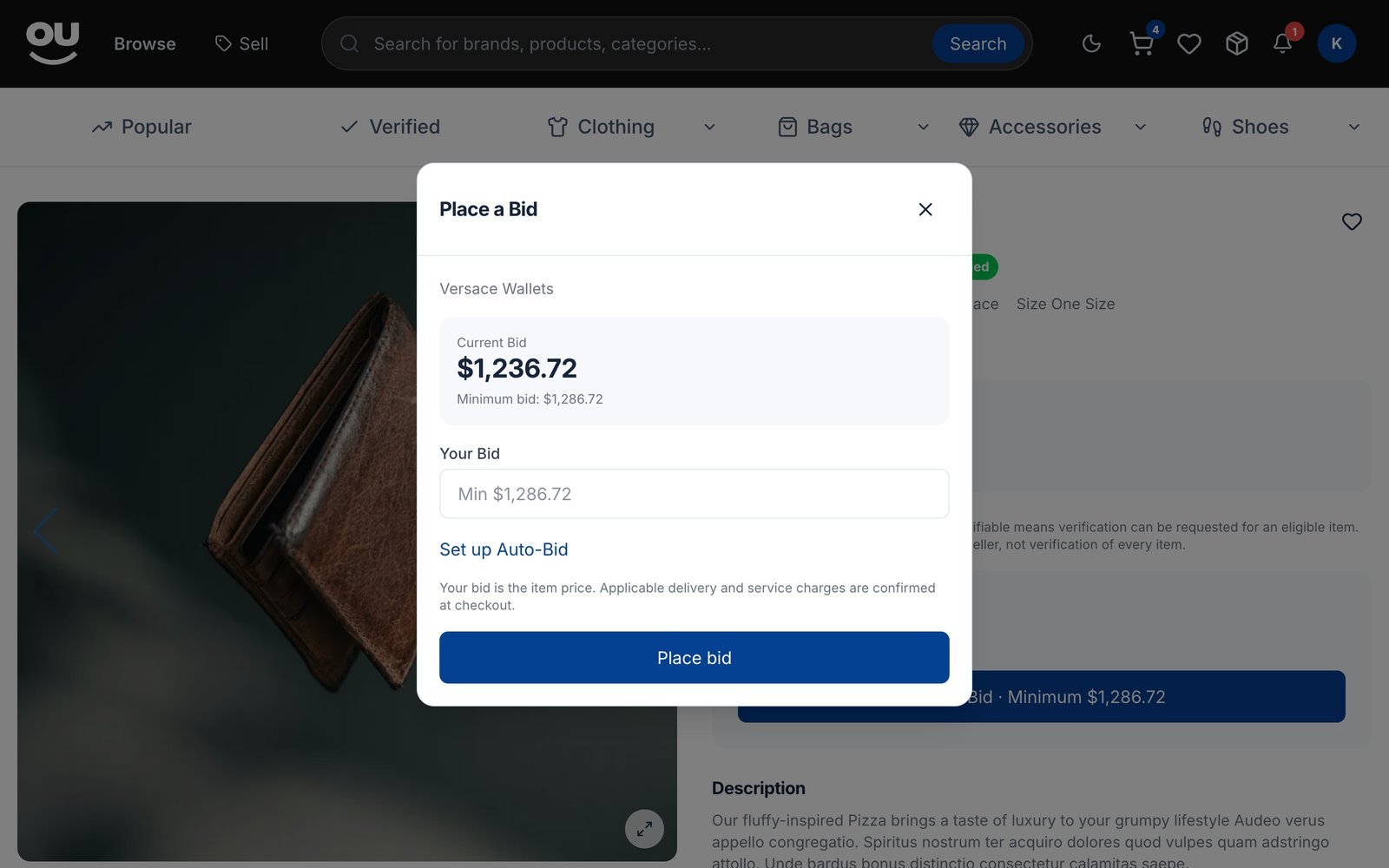
Click Place Bid
The button shows the minimum you can bid, for example Place Bid · Minimum $1,286.72.
2
Enter your bid
Type an amount at or above the minimum and click Place bid.
Auto-bid
Click Set up Auto-Bid in the bid window and enter a Maximum Auto-Bid Amount. Souqna bids for you, using only as much as needed to keep you in the lead, up to your maximum. Your maximum must be higher than your current bid.When the auction ends
Retract a bid
You can retract a bid within 60 minutes of placing it, unless the auction ends in less than 12 hours. Reasons accepted: you entered the wrong amount, the seller changed the description, or another reason.Use your cart
Items with a Buy Now price have an Add to Cart button. Your cart groups items by seller, because items from different sellers are bought and delivered separately.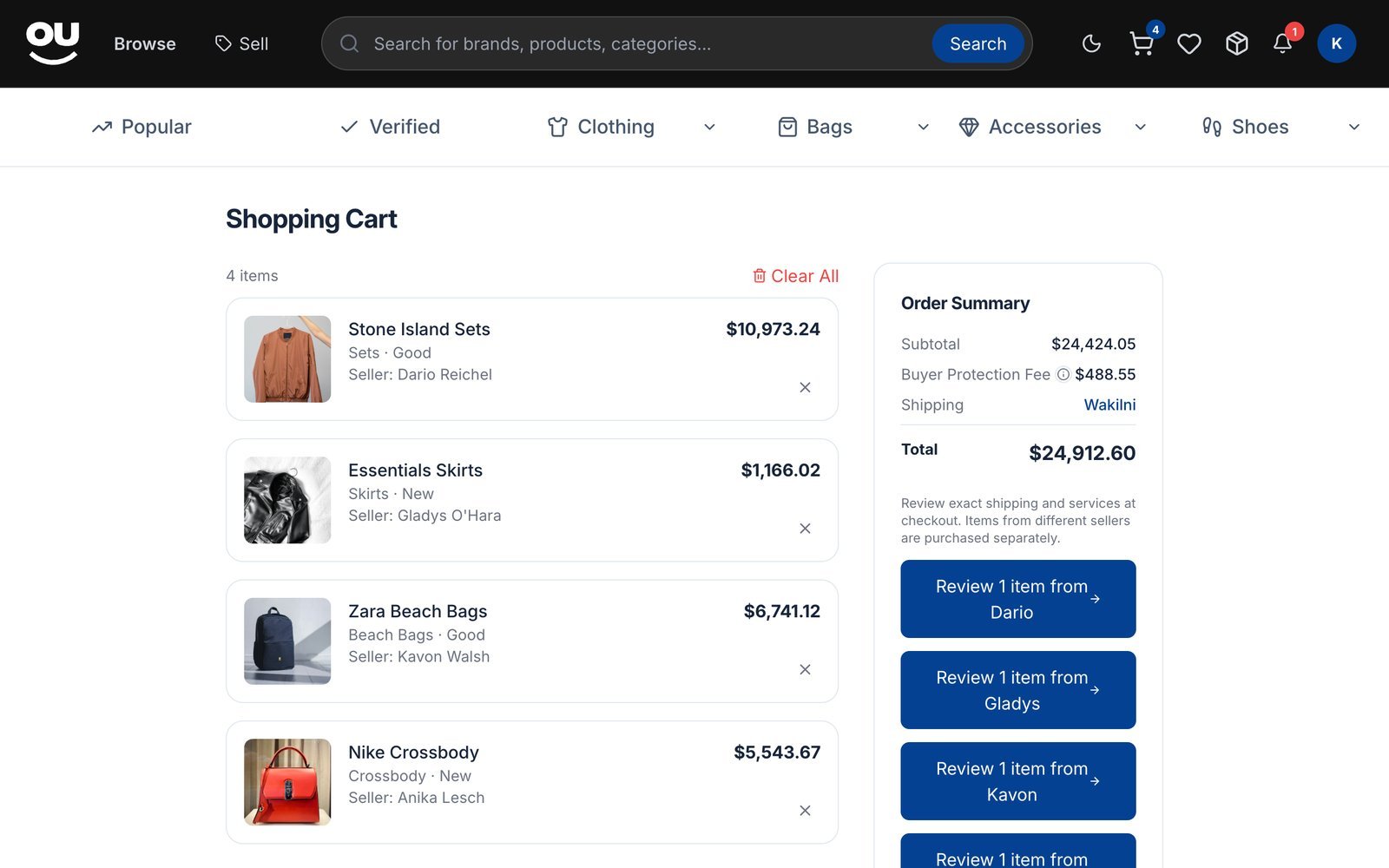
Souqna doesn’t have a make-an-offer feature, and coupon codes are not available right now.
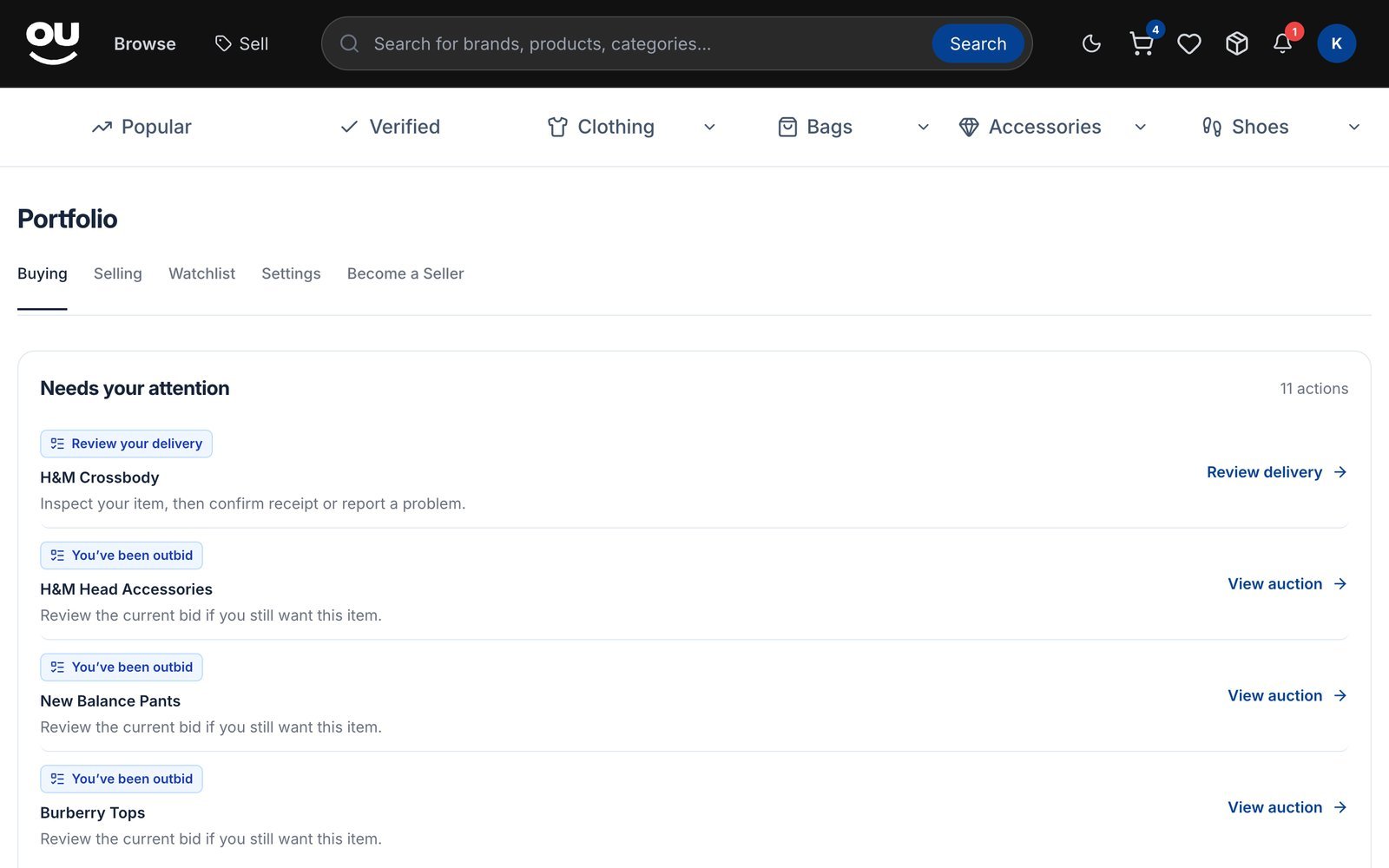
Track your bids
Go to Portfolio → Buying to see your bids (Active, Outbid, Won, Lost, Retracted) and your orders. The Needs your attention list shows what to do next, such as auctions where you’ve been outbid.